Your bar. Your rules.
Keep everyday apps visible. Hide the others, or give them an always-hidden home. You choose what gets your attention.
 nook. Download for Mac
Tuck away the clutter. Keep your favourites close.
Nook brings a little breathing room to the top of your Mac.
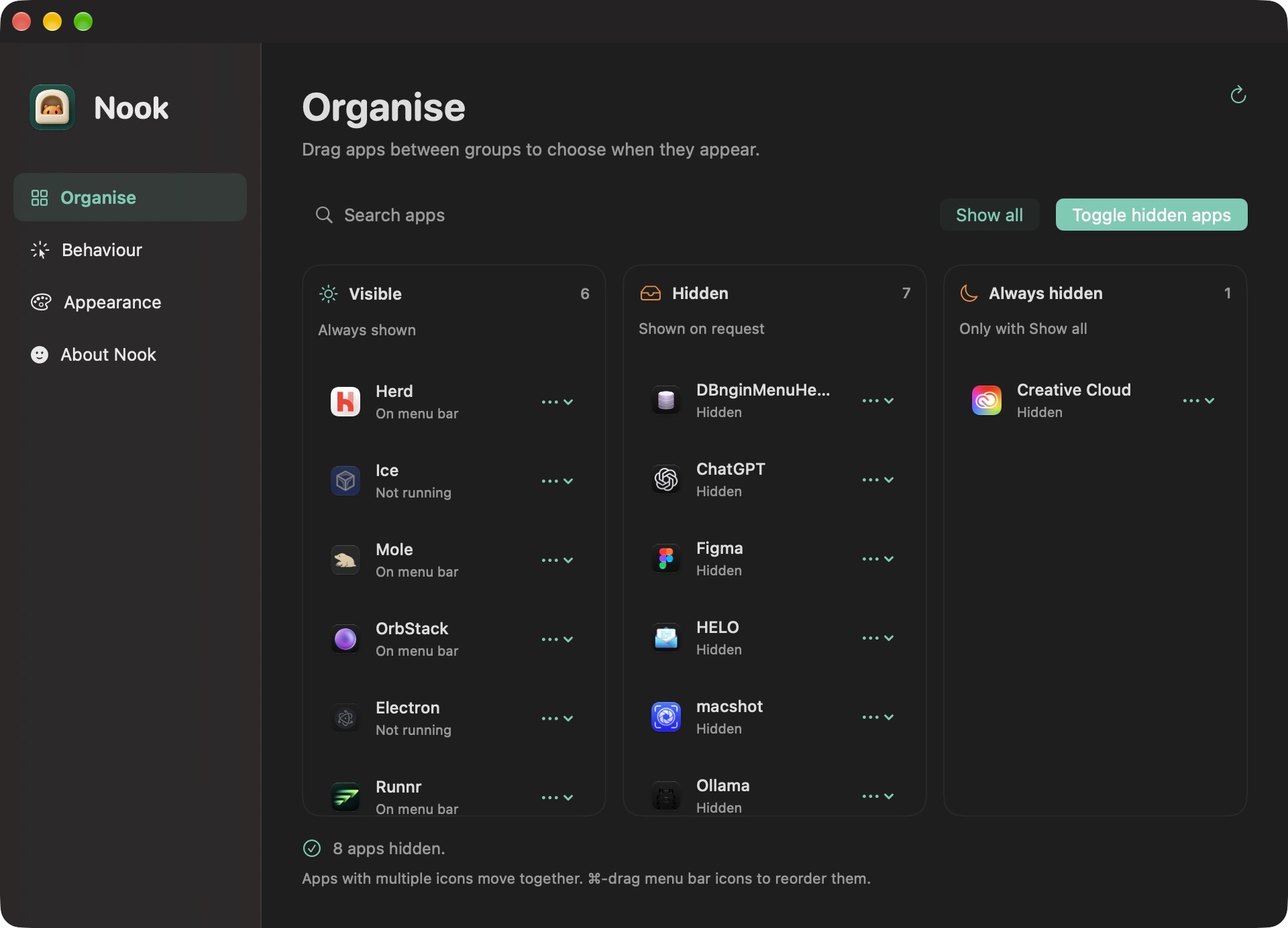
Drag apps into Visible, Hidden, or Always hidden. Click Nook in your menu bar to reveal hidden apps; Option-click to show everything.
A good little utility knows when to get out of the way. Nook keeps your menu bar useful, without making a thing of it.
Keep everyday apps visible. Hide the others, or give them an always-hidden home. You choose what gets your attention.
A click, a shortcut, or a quick search. Bring back exactly what you need, then let it settle back into its nook.
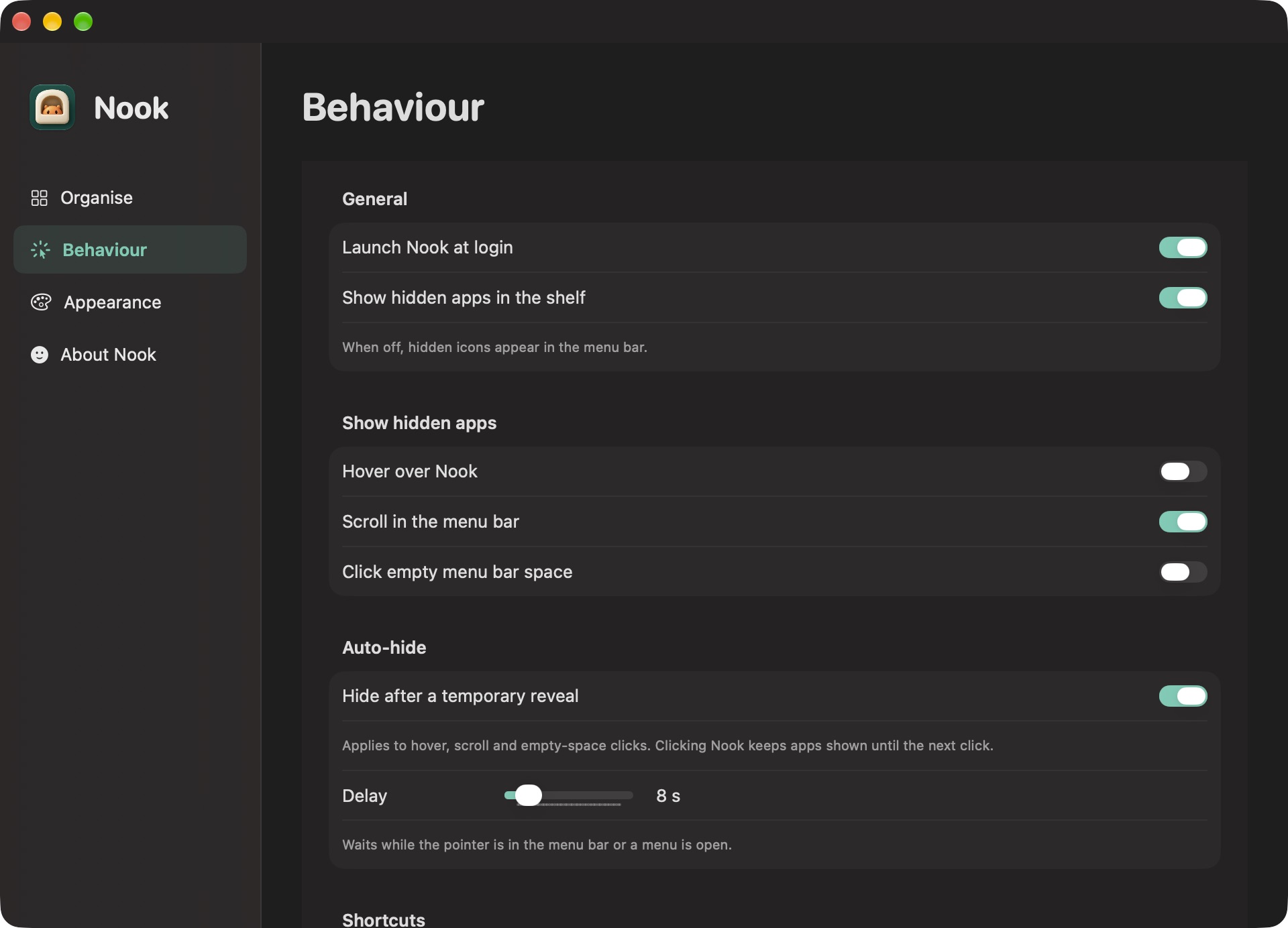
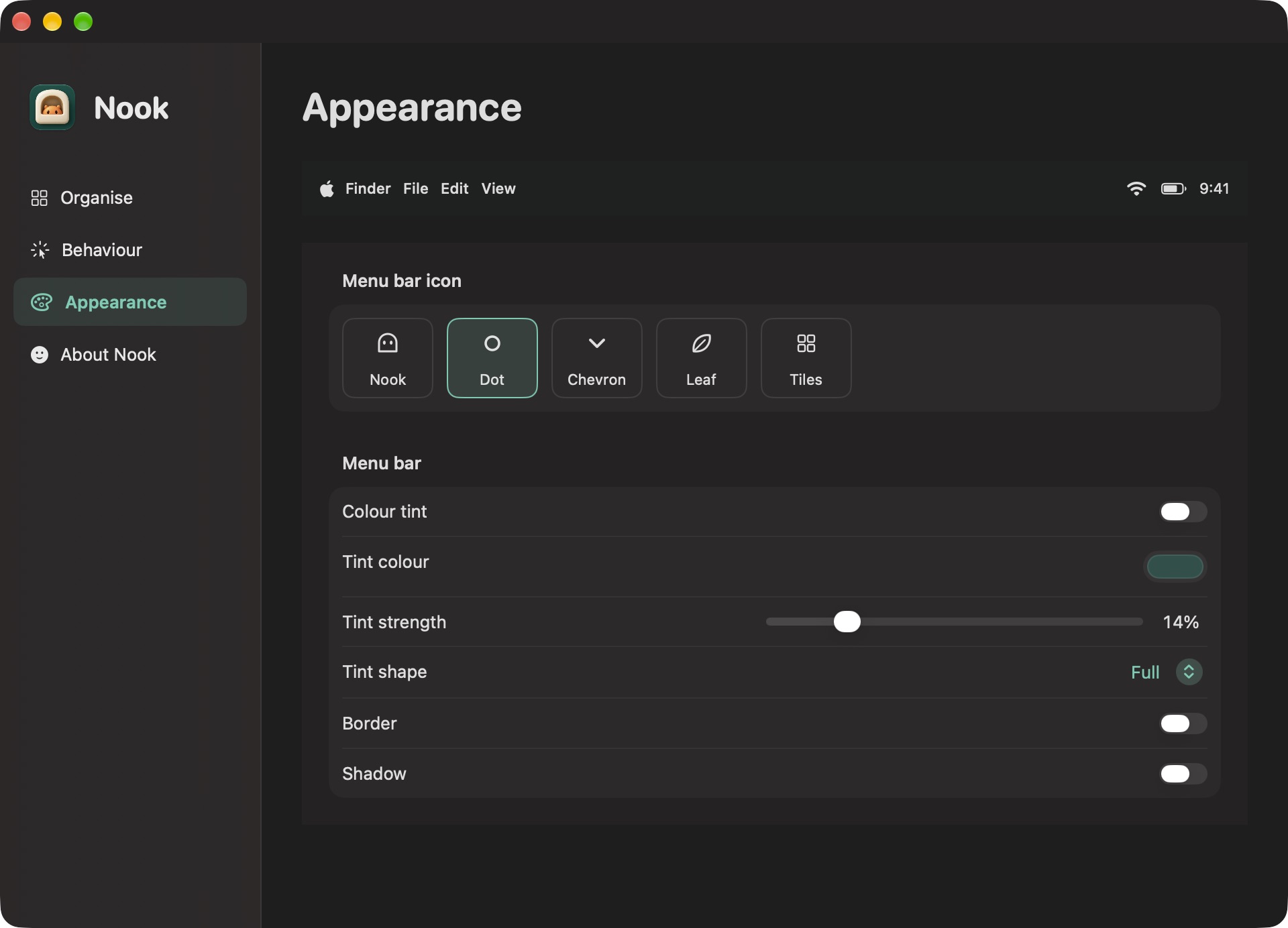
Choose your icon, tint, and finishing touches. Set a gesture or a timer. Make this little corner of your Mac your own.
For the things you do all day, every day.
The same app, whichever you choose. Every feature included, with no account or subscription.
Yours to use, with no strings attached.Getting comfortable with Nook.
The current download requires macOS 27.0 or later. It supports Apple silicon Macs. Nook is experimental; the initial build was tested on macOS 27.2, build 26B5091g. Other OS builds are unverified: Apple can change the menu bar interfaces Nook relies on.
Open the downloaded ZIP or disk image, then move Nook.app to your Applications folder before opening it. In System Settings → Privacy & Security → Accessibility, enable Nook. Screen Recording permission is not required. This build is Developer ID signed and notarised by Apple.
Yes. Every feature is included, with no account, subscription, or licence key. You can also choose to pay for Nook. It’s a one-time payment, with the amount up to you. The app is the same either way.
They keep running. Nook changes which menu bar icons are visible. Click Nook to reveal hidden apps, or Option-click to show everything, including always-hidden apps. If you lose access to Nook, reopen it from Applications to restore all your icons. Quitting Nook also restores the menu bar.
The Nook app has no tracking, analytics, third-party dependencies, or network requests. Your preferences stay on your Mac and can be exported as a JSON file. Optional tips are handled on your chosen payment provider’s website.
Automatic app updates aren’t available yet. Download a new version from this site when you want to update, quit Nook, and replace it in Applications. Your saved preferences stay on your Mac.
Current download: v0.1.6, 2.1 MB. Developer ID signed · Notarised by Apple. Read release notes
Your menu bar has a new favourite corner.